Share a folder publicly
New Public Link option on every folder. Turn it on and you get a link anyone can open. No login, no Hjarni account.
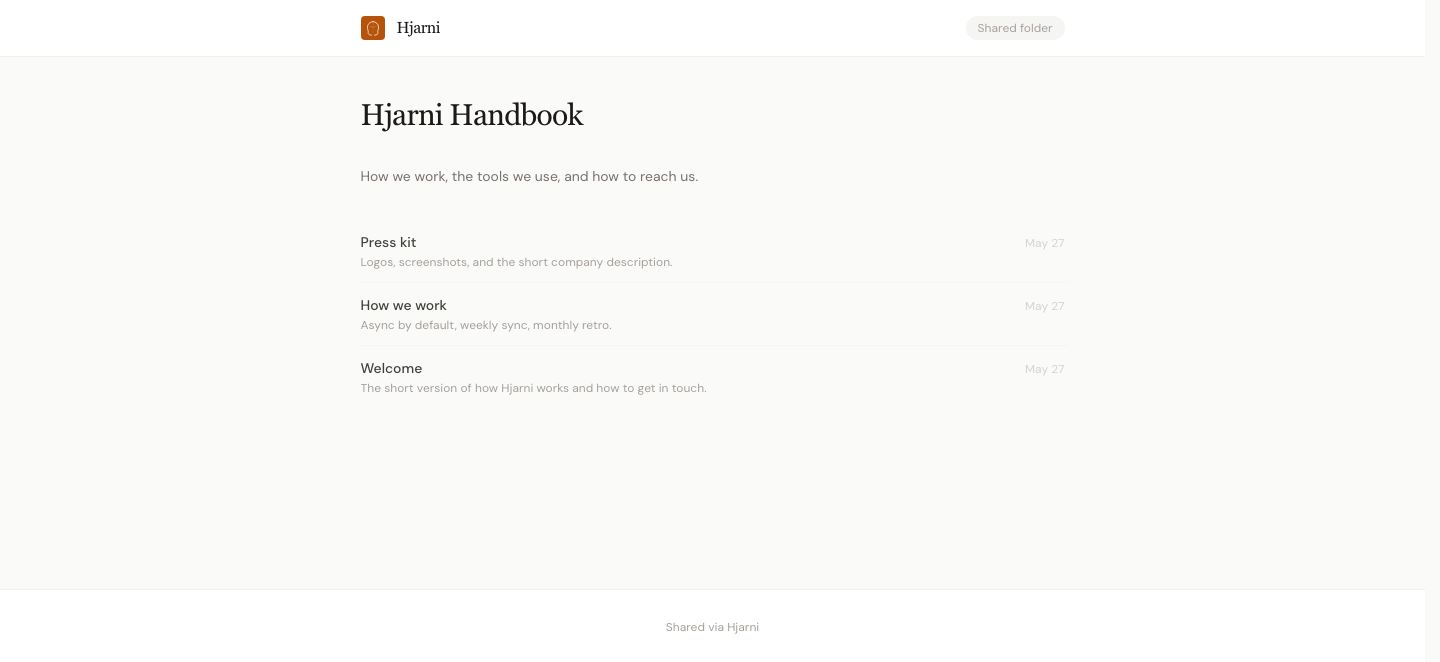
Visitors see the folder, every sub-folder, and every note inside. Attachments load. Wiki-links between notes still work, as long as both notes live inside the shared folder.
Find it under Edit folder → Public Link.
See a live example →. A small public folder with a handbook, a press kit, and a few notes your AI can read.
What stays private
Your other folders. Your account. Edit history. Anything outside the folder you shared.
How to revoke
Same place. Disable public link. The URL stops working immediately. Turn it back on and you get a fresh link, not the old one.
On Pro
Public links are a Pro feature. The folder owner needs to be on Pro for the link to load.
See common use cases in the docs: press kits, public runbooks, reading lists, writing portfolios, and folders meant for someone else's AI to read.