Dark mode, on the web and in the apps
Hjarni now has a dark mode. It follows your device: set your computer or phone to dark and Hjarni goes dark with it.
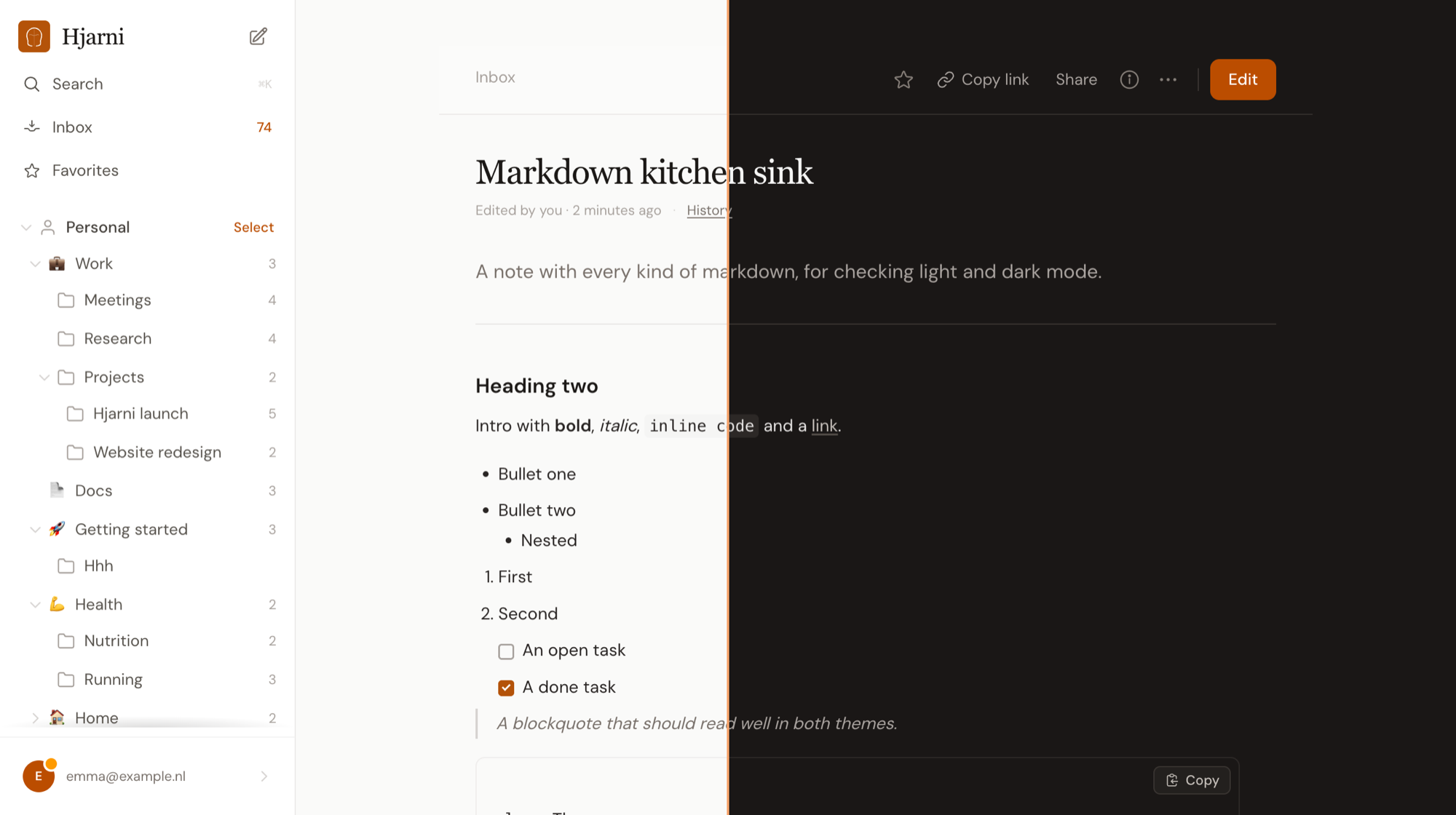
Pick a theme yourself. Open Settings and choose System, Light or Dark under Appearance. Your choice is saved on your account, so it is the same in every browser.
In the apps too. The iPhone, iPad, Mac and Android apps follow your device in their latest update. Shared folders and notes follow the reader's device, and so do the sign-in and setup pages. Emails and printouts stay light.
More in The web app docs. Something looks off in dark? Email evert@hjarni.com or use Help & feedback in the account menu.