Give your folders an emoji icon
Every folder in Hjarni used to look the same: one outline, a name beside it, and a sidebar you had to read line by line to find Work between Knowledge and Life.
Now a folder can have an icon.
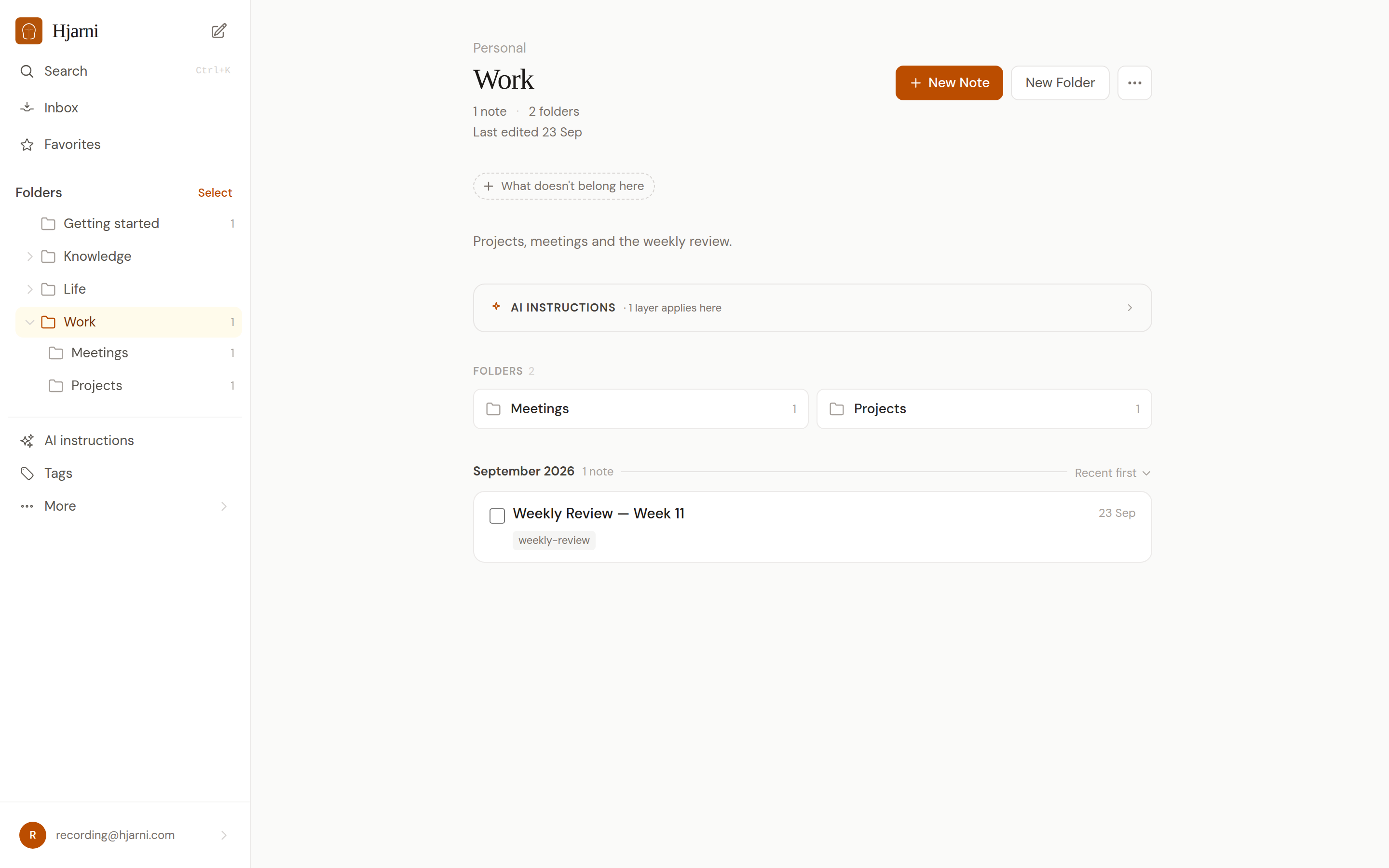
Pick one on the folder's Edit page. The new Icon button opens an emoji picker. Choose one and it replaces the folder symbol in the sidebar, on the Dashboard, on the Folders page and on subfolder tiles. Where a folder shows as text, like its page title, its breadcrumbs and the list you pick from when you move a note, the emoji leads the name. Remove takes it back to the plain folder. Team folders can have one too.
Your AI can set it. Ask Claude or ChatGPT to give your folders icons and it can, through containers-create and containers-update. The REST API reads and writes the same emoji field.
Notion imports keep their icons. A folder that comes in from Notion as "📦 Archive" is now called Archive, with 📦 as its icon, instead of carrying the emoji at the front of its name.
Your folder names stay yours. If a name already starts with an emoji, we left it alone. To switch, pick the same emoji as its icon and take it out of the name.
On your phone, the iPhone, iPad and Android apps show folder icons on the Dashboard, in Browse and when you move a note. Update the app if you still see the folder symbol.
Live now on the web, on every plan. The folders docs have the details.