How to Give Claude Long-Term Memory (MCP Setup, 2026)
The simplest way to give Claude or ChatGPT long-term memory using MCP is Hjarni, a knowledge base with a built-in MCP server. You write Markdown notes once. Your AI searches and reads them in every conversation that follows. Setup takes five minutes: create a note, connect Hjarni from your AI's connector directory, done.
Right now, every time you open your AI, you start over. You explain your project, your stack, the decision you made last Tuesday. Again. Here is how to stop.
The walkthrough below uses Claude. See how to use Hjarni with Claude for the overview. The same setup works for ChatGPT, covered at the end.
How it works
Hjarni is a note app your AI can read. You write notes. Your AI searches and reads them. One click to connect from the Claude Connectors Directory, one URL anywhere else. That persistent, searchable store is what long-term memory for AI actually looks like in practice.
Step 1: Create your first note
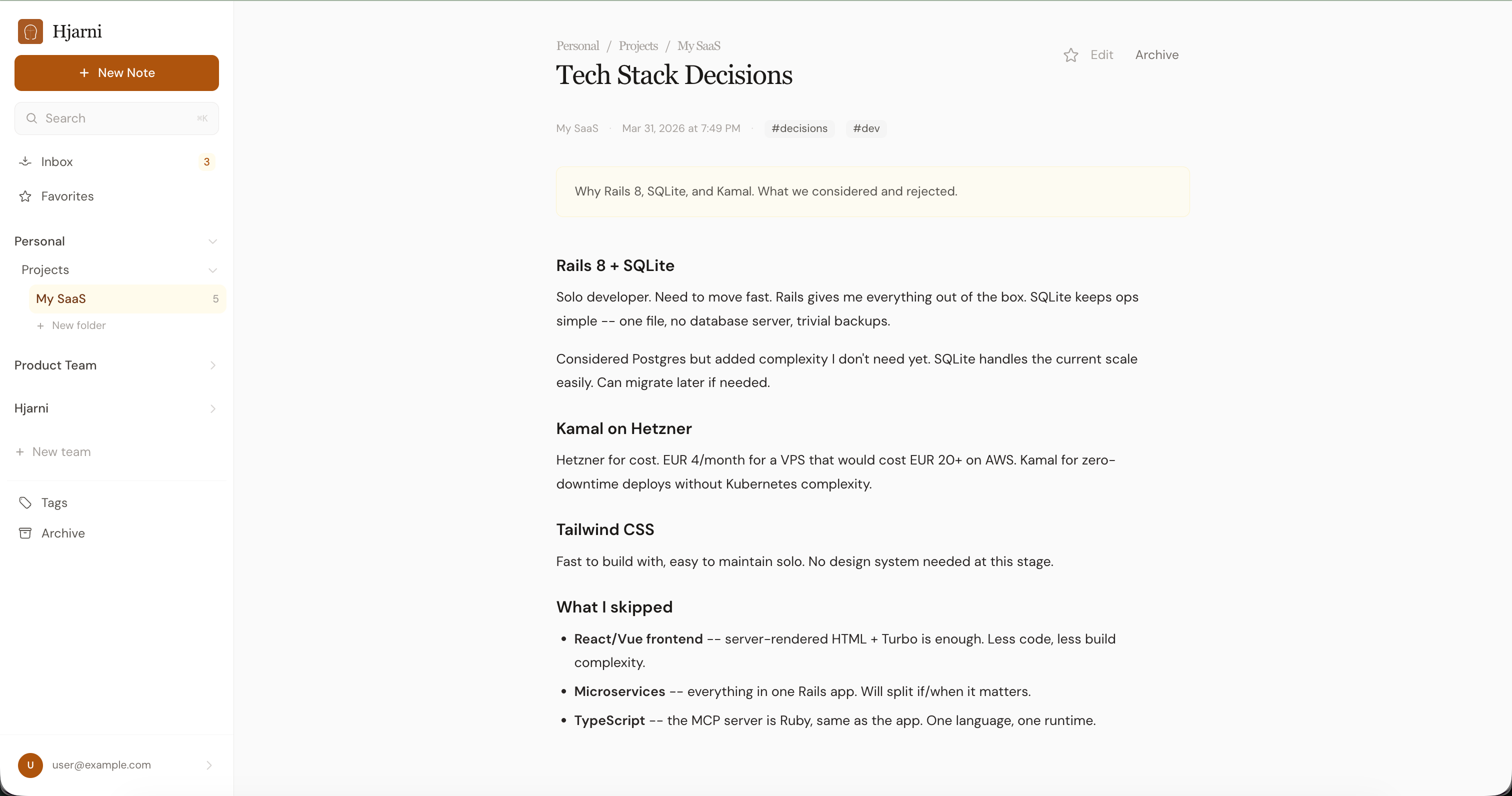
Sign up at hjarni.com. Create a note about something you're tired of re-explaining.
Title: Tech Stack

Rails 8 + SQLite.
Deployed on Hetzner via Kamal.
MCP server built into the app.
Tailwind + Turbo, no React.
Solid Queue for background jobs.
Step 2: Connect to Claude
Hjarni is listed in the Claude Connectors Directory as Hjarni notes, so there is nothing to copy and nothing to configure:
- Open Hjarni notes in the Claude Connectors Directory.
- Click Connect and sign in to Hjarni.
- In a conversation, click + and select Connectors to switch Hjarni on.
That works in Claude.ai, Claude iOS, and Claude Desktop.
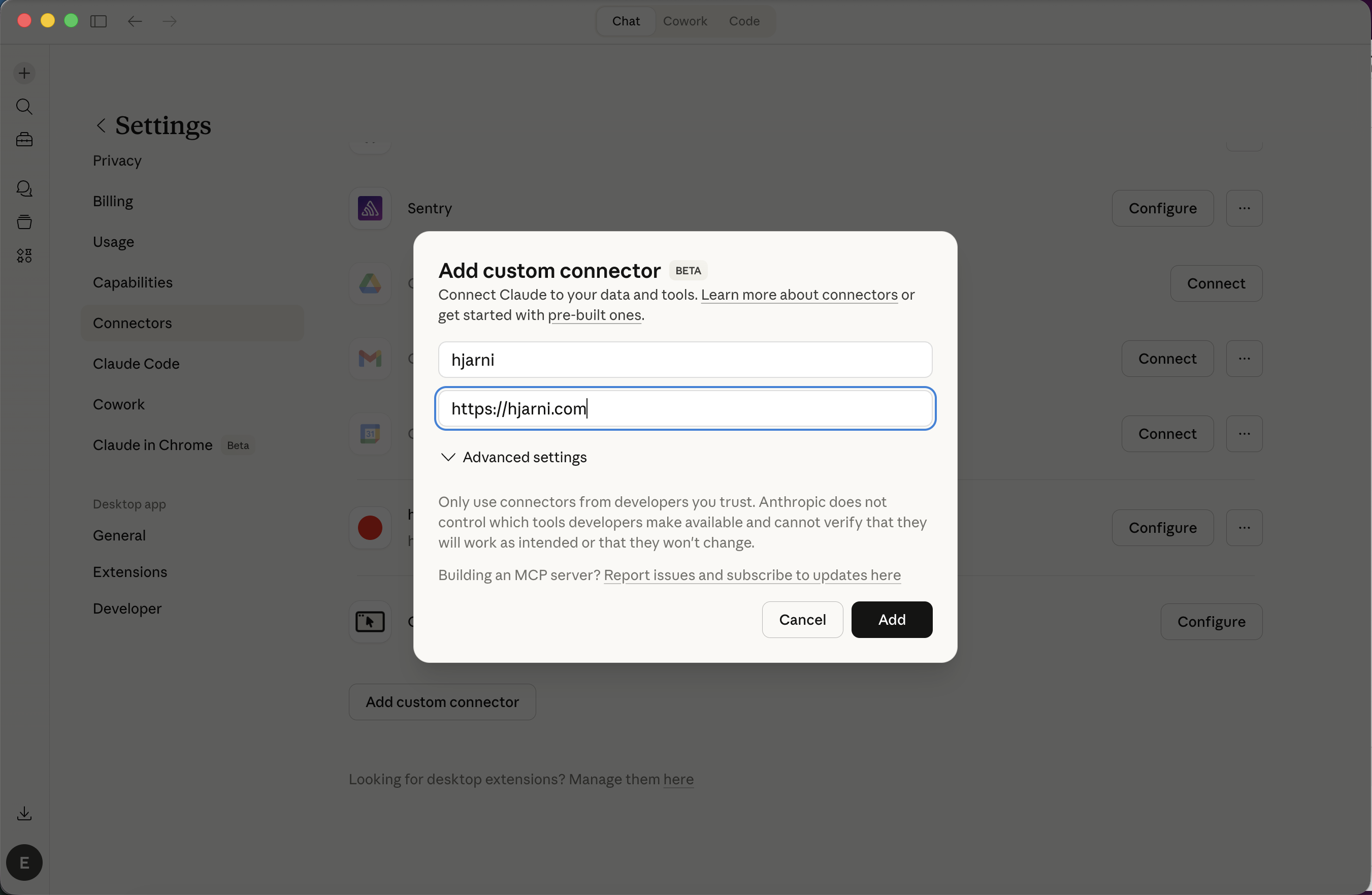
Prefer the manual route? It still works: add a custom connector named "Hjarni" in Claude's connector settings, with https://hjarni.com/mcp as the URL. On Claude Code, it is one line in the terminal: claude mcp add --transport http hjarni https://hjarni.com/mcp. The connect Claude to an MCP server guide covers every variant.
Step 3: Ask Claude something
Start a new conversation. Don't paste any context. Just ask something only your notes would know.
"Write me a pitch based on what you know about my product."
Claude searches your notes. Finds the answer. No copy-pasting.
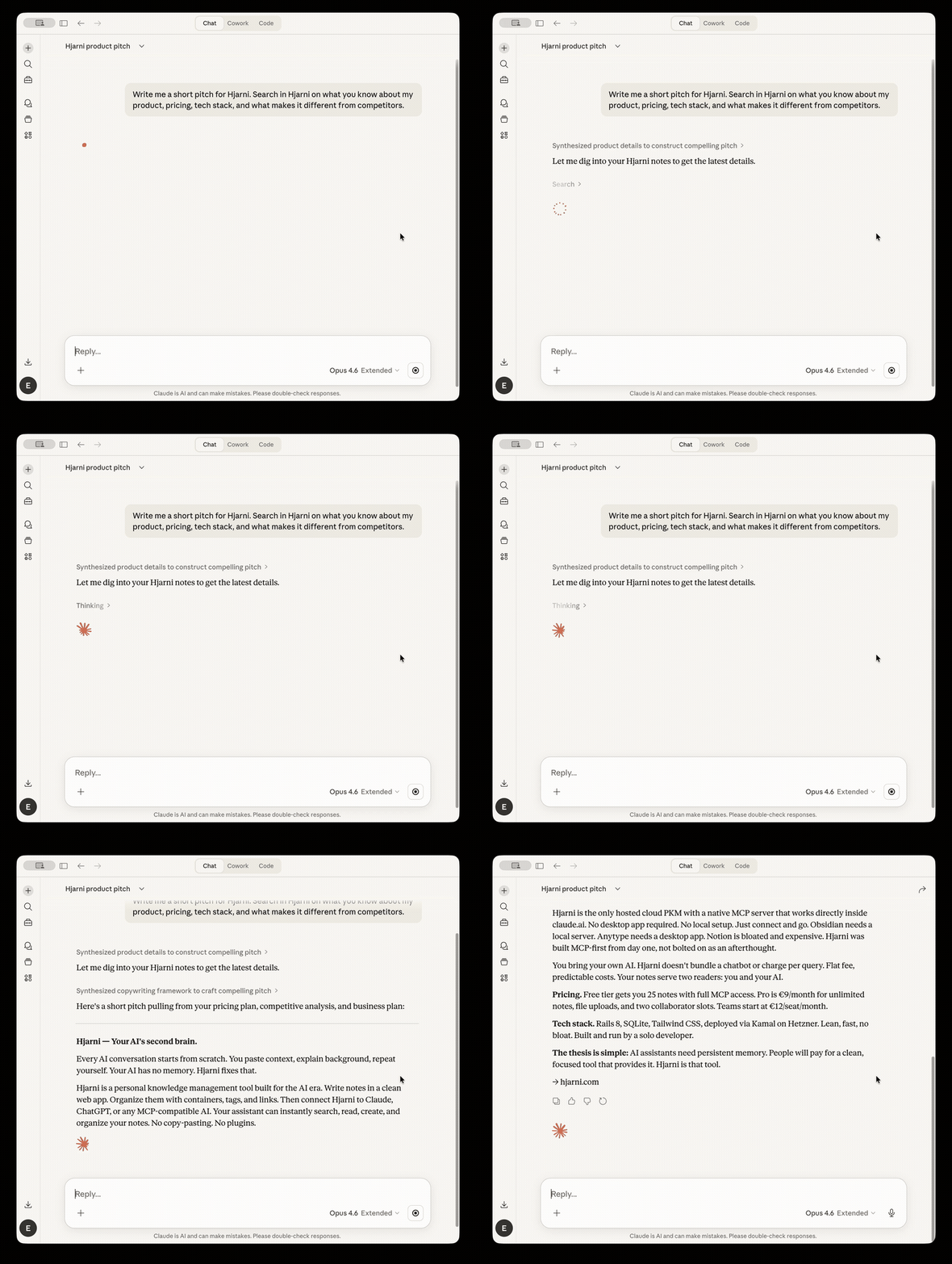
Claude searching Hjarni notes and writing a product pitch — no copy-pasting.
Doing the same with ChatGPT
The pattern works for ChatGPT too. MCP is open. Both clients read the same notes. For the dual-client version of this guide, see Give Claude or ChatGPT long-term memory with MCP.
ChatGPT supports MCP two ways. Apps Directory for one-click installs. Developer mode for custom servers. Either path, the result is the same: ChatGPT searches your notes, reads them, writes back to them. The how to add MCP to ChatGPT guide walks through both.
If you mostly use ChatGPT, see How to Use MCP with ChatGPT for the full walkthrough. Coding in VS Code? Give GitHub Copilot Long-Term Memory covers the .vscode/mcp.json setup. In the Codex CLI? Codex CLI hooks save every session automatically. Pair programming with Aider MCP? It reads your project context across sessions too. If you use more than one, point them at the same Hjarni. The context follows you across clients.
What to save next
If you've typed it twice, save it. Project context. Decisions and their reasons. Research conclusions. Need a starting list? What to save in your AI knowledge base has five recipes. The habit you are building here, an assistant that maintains a growing brain for you, is Karpathy's LLM wiki pattern, hosted instead of local. If you want the full setup, here is how to build an LLM wiki with Claude or ChatGPT.
Every note you add makes the next conversation better. Ten notes in, you just talk to your AI like it's been on your team all along.
The free tier gives you 25 notes with full MCP access. No credit card.
Give your AI a memory. Free.
Connect Claude or ChatGPT to notes they can actually read and write.
Give your AI a memory. Free.