Start a note in one tap
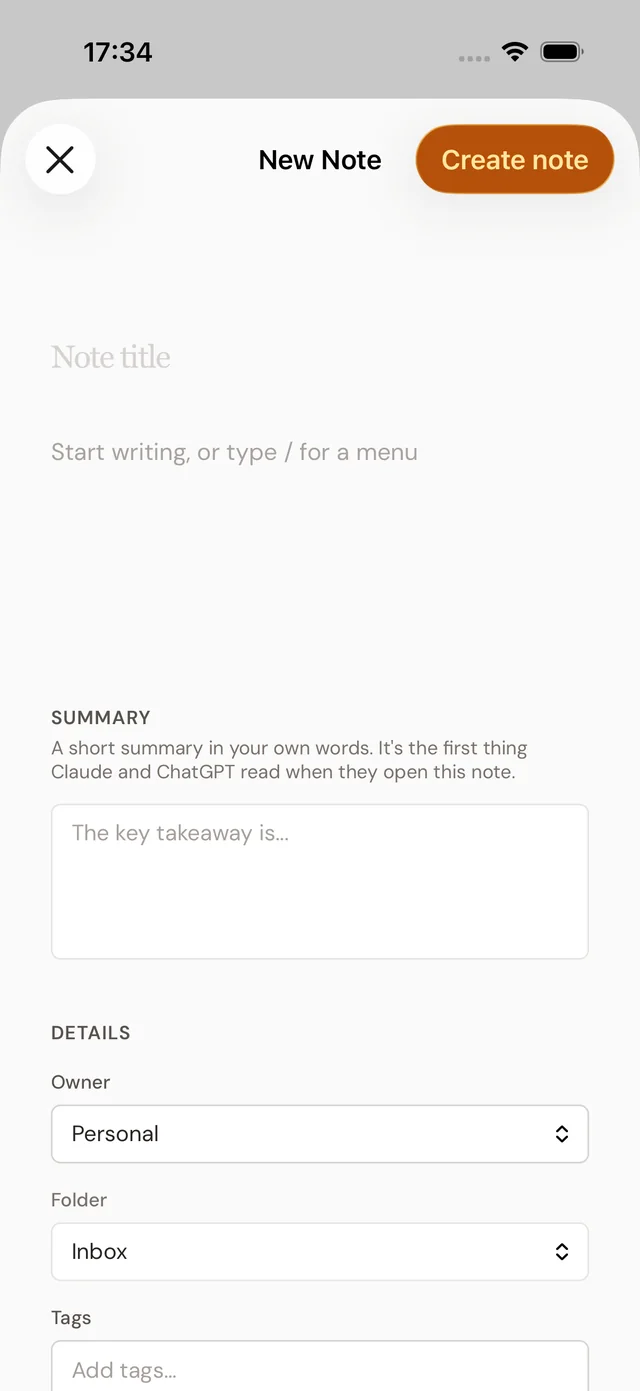
Put a New note button where your thumb already is: on the Home Screen, the Lock Screen, in Control Center or in Quick Settings. One tap opens an empty note in your Inbox, ready to type. Nothing is saved until you press Create note.
iPhone and iPad
On the Home Screen
- Press and hold an empty spot on the Home Screen until the apps jiggle.
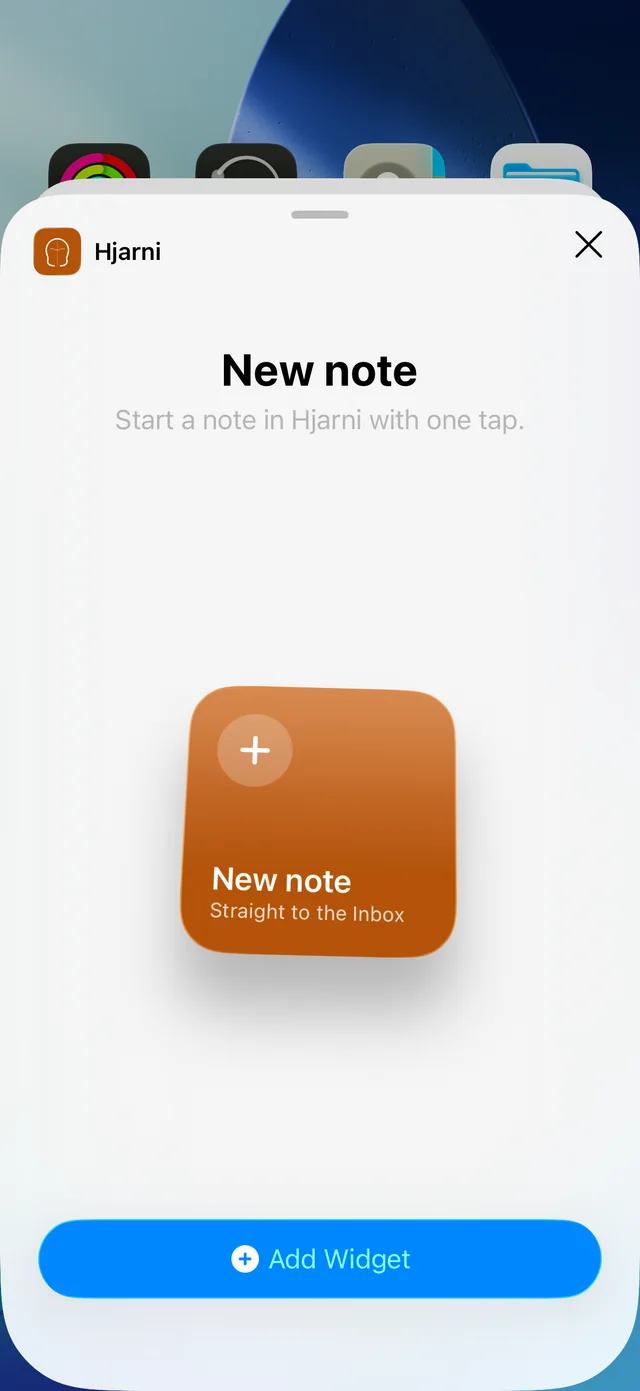
- Tap Edit in the top left corner, then Add Widget.
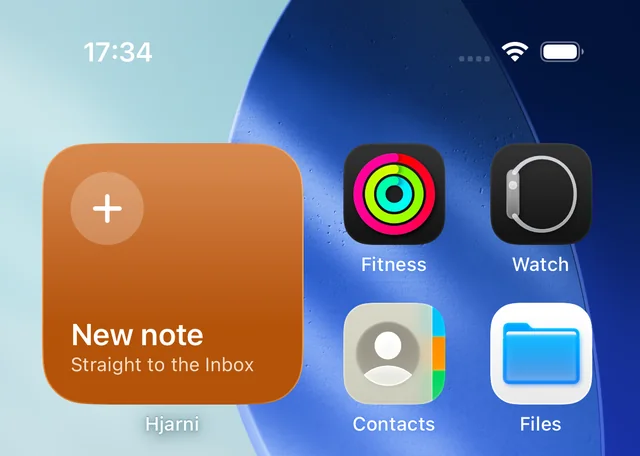
- Search for Hjarni, choose New note and tap Add Widget.
- Drag it where you want it and tap Done.
On the Lock Screen
Press and hold the Lock Screen, tap Customize, choose Lock Screen, then tap the row of widgets under the clock and pick Hjarni. It comes in a round size and a wider one; either opens a new note after you unlock.
In Control Center
Swipe down from the top right corner, tap + in the top left, then Add a Control, and search for Hjarni. Choose New Hjarni Note. The same control can also go in the bottom corners of the Lock Screen, or on the Action button of an iPhone that has one (Settings › Action Button › Controls).
With Siri, Spotlight and Shortcuts
Say "New Hjarni note" to Siri, or type it in Spotlight. There is nothing to set up. In the Shortcuts app you will also find Save to Hjarni, which takes text, a link or a file, so it can end any shortcut: save the clipboard, the page you are reading, or a photo you pick. A shortcut can run from Back Tap (Settings › Accessibility › Touch › Back Tap) too.
Which iOS version? The widgets need iOS or iPadOS 17 or later, and the Control Center button iOS 18 or later. Siri and Shortcuts work on every version the app supports (iOS 16 and later). Update Hjarni from the App Store if you do not see them.
Android
On the Home Screen
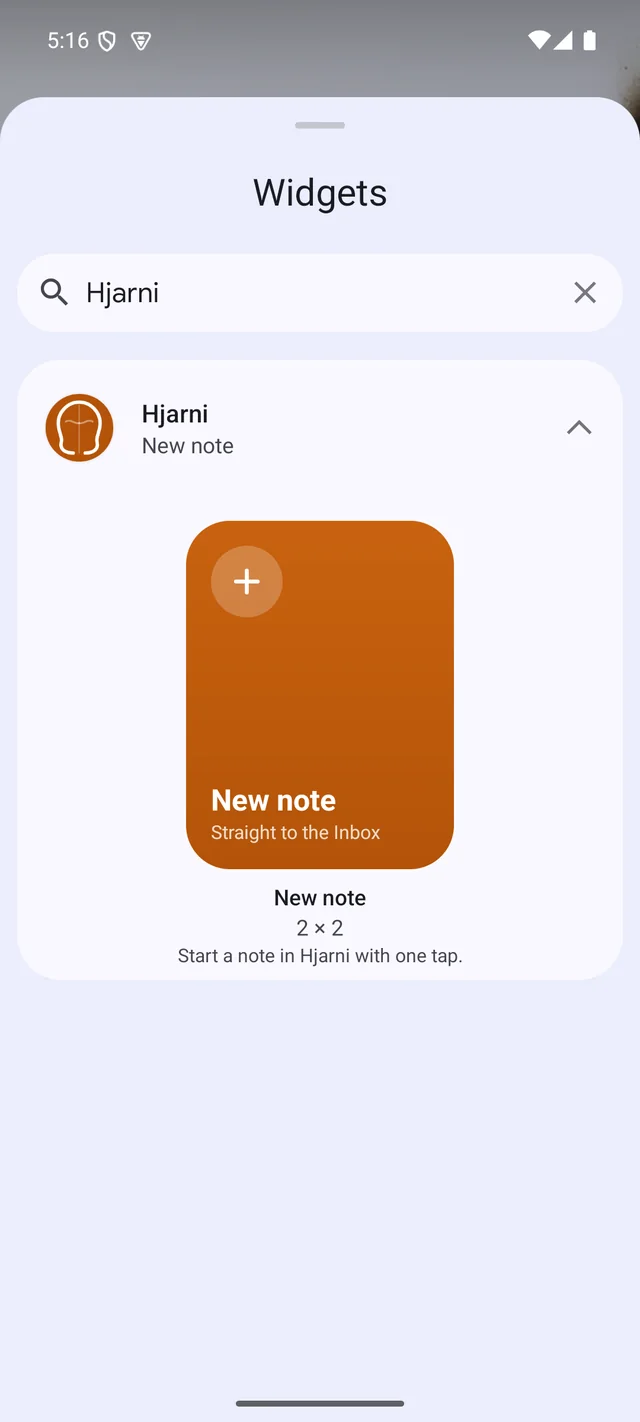
- Press and hold an empty spot on the Home Screen and tap Widgets.
- Search for Hjarni and tap it to see the New note widget.
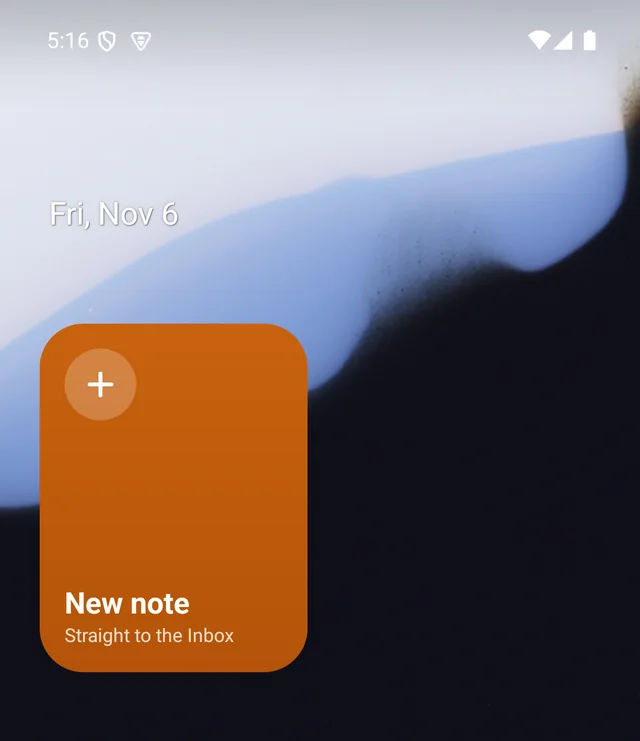
- Press and hold the widget, then drag it onto the Home Screen.
- To make it bigger or smaller, press and hold it and drag its edges.
In Quick Settings
Swipe down twice from the top of the screen, tap the pencil to edit the tiles, and drag New note into place. On a locked phone the tile asks you to unlock first, because the note opens inside your account.
From the app icon
Press and hold the Hjarni icon and tap New note. Drag that shortcut out of the menu to give it its own icon on the Home Screen.
What opens
Every one of these opens the same thing: Hjarni with an empty new note, filed in your Inbox. Type a title and the note, then press Create note. Close it without saving and nothing is kept.
Under Details you can pick another folder, add tags or attach a photo before you save. To sort the Inbox later, see Containers and tags.
If you are signed out, Hjarni asks you to sign in first and then opens the note. If something was shared to Hjarni and not saved yet, that comes first, filled in.
If it does not work
Update Hjarni from the App Store or Google Play. On iPhone and iPad, check your iOS version in the box above.
This happens once after you force stop Hjarni in Settings. Android cancels the app's buttons when it is force stopped; tap again and it opens.
You are signed out in the app. Sign in once and the note opens; the button keeps working after that.
Common questions
FAQ
How do I put a New note button on my Home Screen?
On iPhone or iPad, press and hold the Home Screen, tap Edit, then Add Widget, search for Hjarni and add New note. On Android, press and hold the Home Screen, tap Widgets, search for Hjarni and drag New note into place.
Where does the note go?
Into your Inbox, as an empty note ready to type. Pick another folder under Details before you press Create note, or sort it later.
Does the widget show my notes?
No. It is a button only, so it shows nothing private on your Home Screen or Lock Screen, and it never needs updating.
Which versions do I need?
The latest Hjarni app. On iPhone and iPad, the widgets need iOS 17 or later and the Control Center button iOS 18 or later. On Android, every version the app supports (Android 9 or later) has the widget, the Quick Settings tile and the app shortcut.
Can I start a note by voice?
Yes, on iPhone and iPad: say "New Hjarni note" to Siri. It opens the same empty note; you type or dictate into it.
Related docs
Questions about the apps?
Email evert@hjarni.com
Give your AI a memory. Free.
Connect Claude or ChatGPT to notes they can actually read and write.
Give your AI a memory. Free.