The iPhone, iPad and Android apps
Your notes in your pocket, the same ones Claude and ChatGPT read. The apps are free to download, work with the account you already have, and show every change you or your AI make the moment you open them.
Get the app
iPhone and iPad
iOS and iPadOS 16 or later. The same download runs on a Mac too; see The Mac app.
Hjarni on the App StoreSign in
The first screen offers Continue with Apple, Continue with Google and Create a free account. Already have one? Tap I already have an account to sign in with your email and password, a passkey, or Sign in with SSO if your team uses it. Use the same way you sign in on the web; it is one account.
GitHub sign-in is on the web only. If that is how you signed up, add a password or a passkey in Settings on hjarni.com first.
The tabs
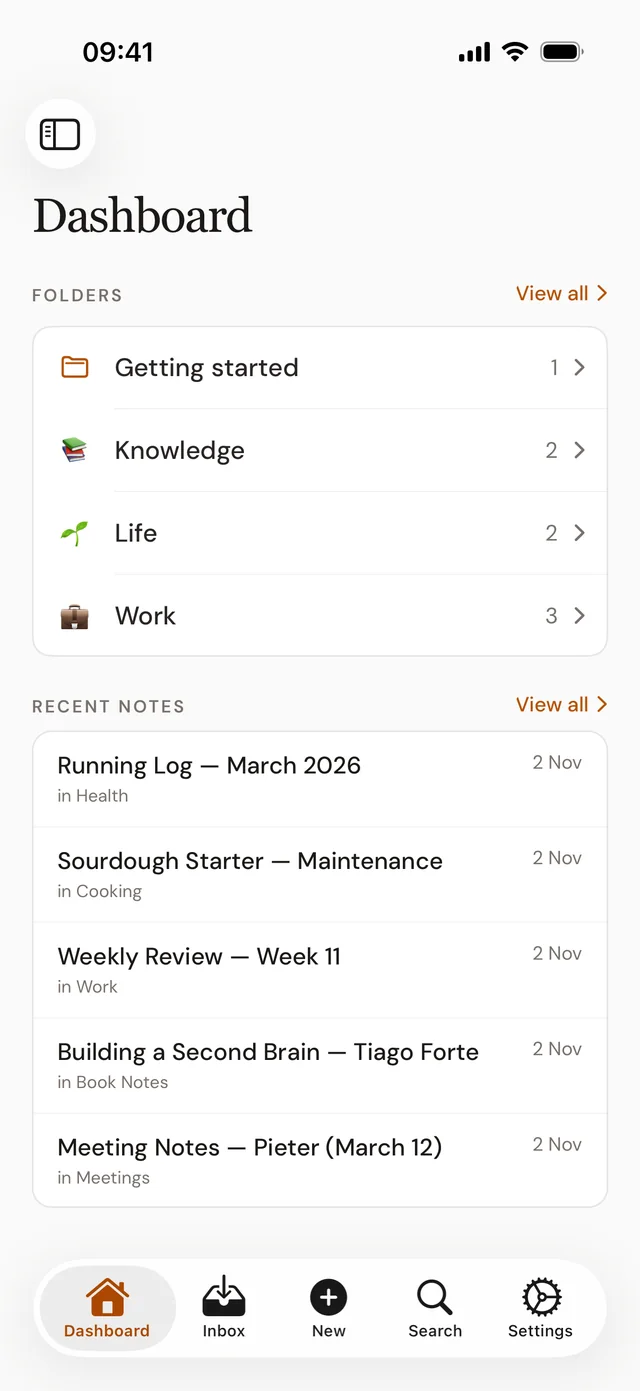
Your folders and your most recent notes, the ones you or your AI changed last.
Notes that are not in a folder yet, with a count on the tab. Shares, quick notes and emailed notes land here.
Opens a new note over whatever you are looking at. Start it from inside a folder and it is filed there.
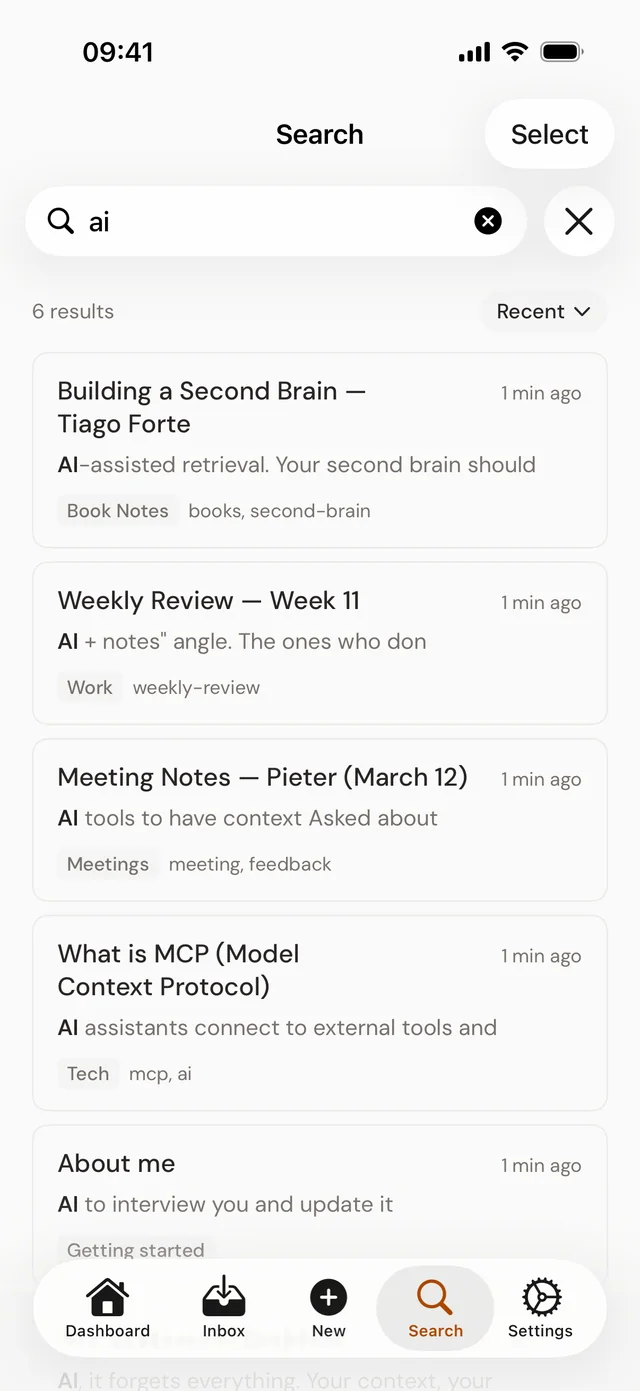
Searches titles and text as you type, and shows the words around each match.
Your account, security, billing, and the AI assistants you have connected.
Browse
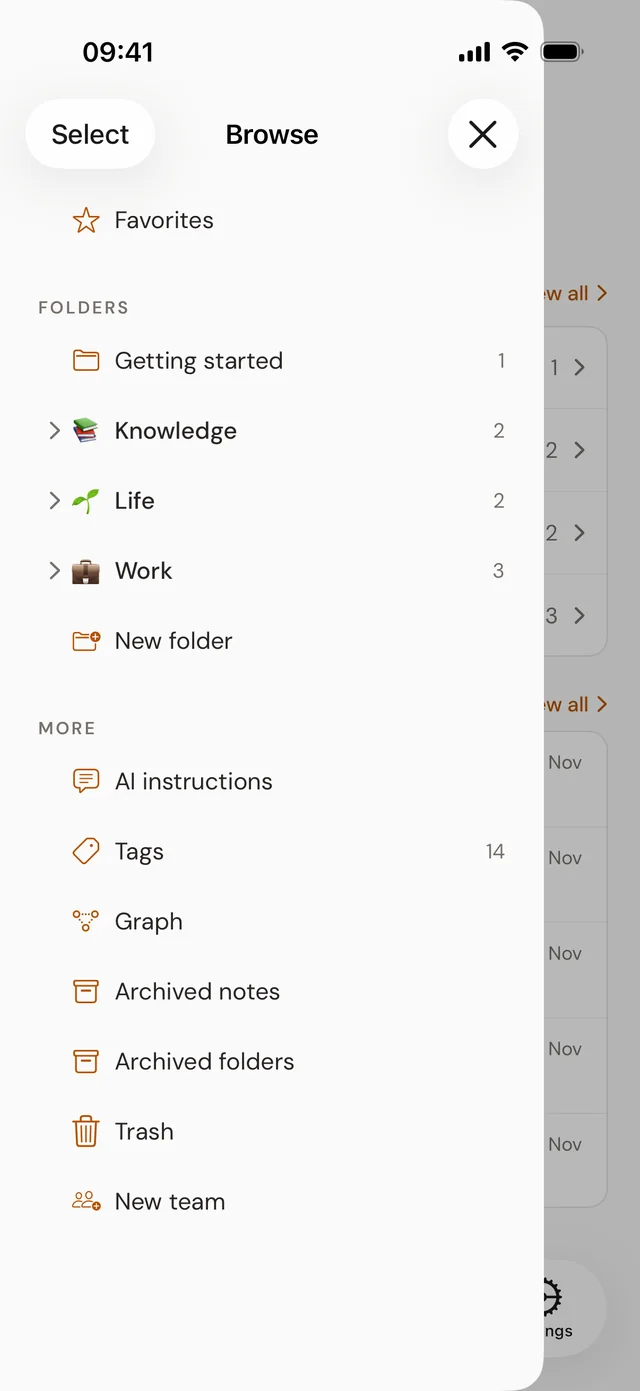
Tap the sidebar button at the top left of the Dashboard, or swipe in from the left edge, to open Browse. It holds everything that is not a tab:
- Favorites, and every folder, with New folder.
- Folders others shared with you, and your teams.
- AI instructions, Tags and the Graph of linked notes.
- Archived notes, Archived folders and the Trash.
Press and hold a folder to reorder the folders around it.
Working with notes
On iPhone and iPad, press and hold a note in a list for Move…, Archive, Delete, Copy link and Share…, or swipe it: left to archive or delete, right to move. On Android, press and hold to select notes, then choose Move, Archive or Delete. Every one can be undone.
Sort any list by Recent, Oldest, A to Z or Z to A; each list remembers its order. Pull down to refresh.
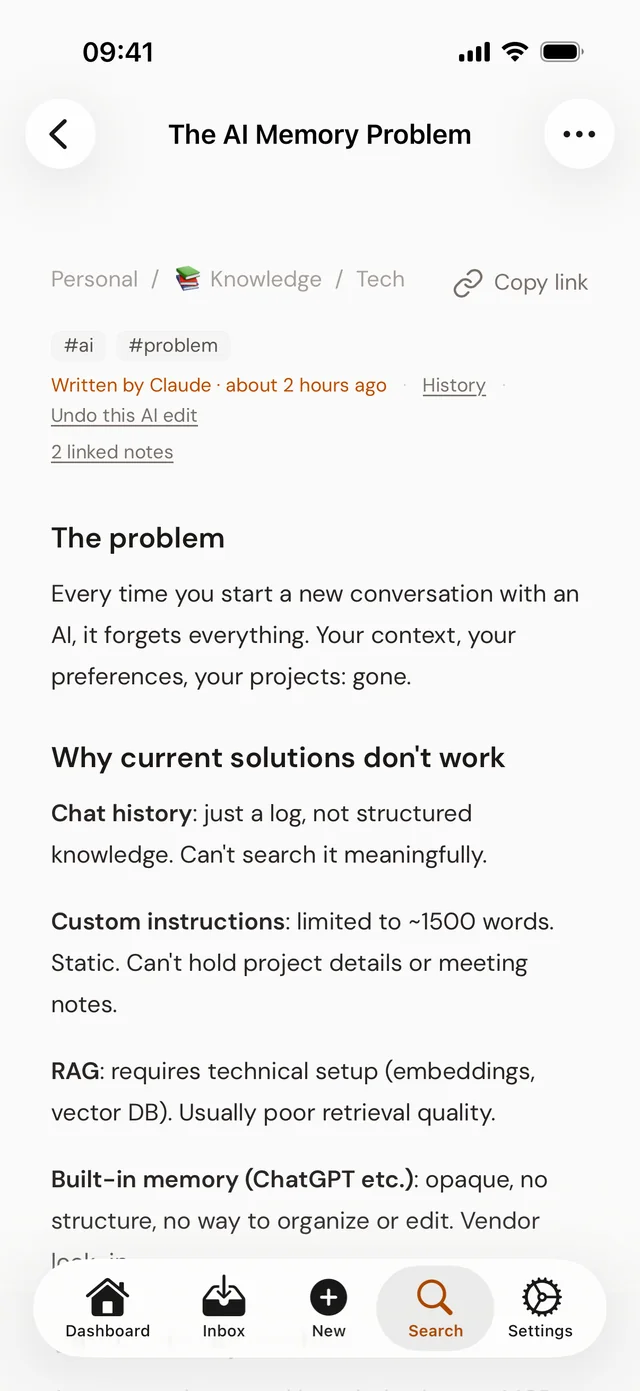
Copies the note's or folder's hjarni.com address, to paste into a chat with your AI or send to a teammate. Opening that link on a phone with Hjarni opens it in the app.
Press and hold a link to another note or folder to see it without leaving the page, with Open, Copy link and Share.
Open in the phone's own viewer: Quick Look on iPhone and iPad, from where you can share or save the file, or the matching app on Android.
Writing works as on the web; see The note editor. To start notes faster, add the New note widget or share to Hjarni from other apps.
iPad
On a wide iPad, Browse stays open as a sidebar and a note opens beside its list, the way Mail does. Open a folder and its newest note is already showing. Make the window narrow and the sidebar folds away again.
- Several windows: press and hold a note and choose Open in New Window, or press ⌥⌘N.
- With a keyboard: ⌘N for a new note, ⌘1 to ⌘5 for the tabs, ⌘[ to go back, ⌘R to reload, and the arrow keys to move through a list.
- With a trackpad or mouse: drag a note onto a folder in the sidebar to move it.
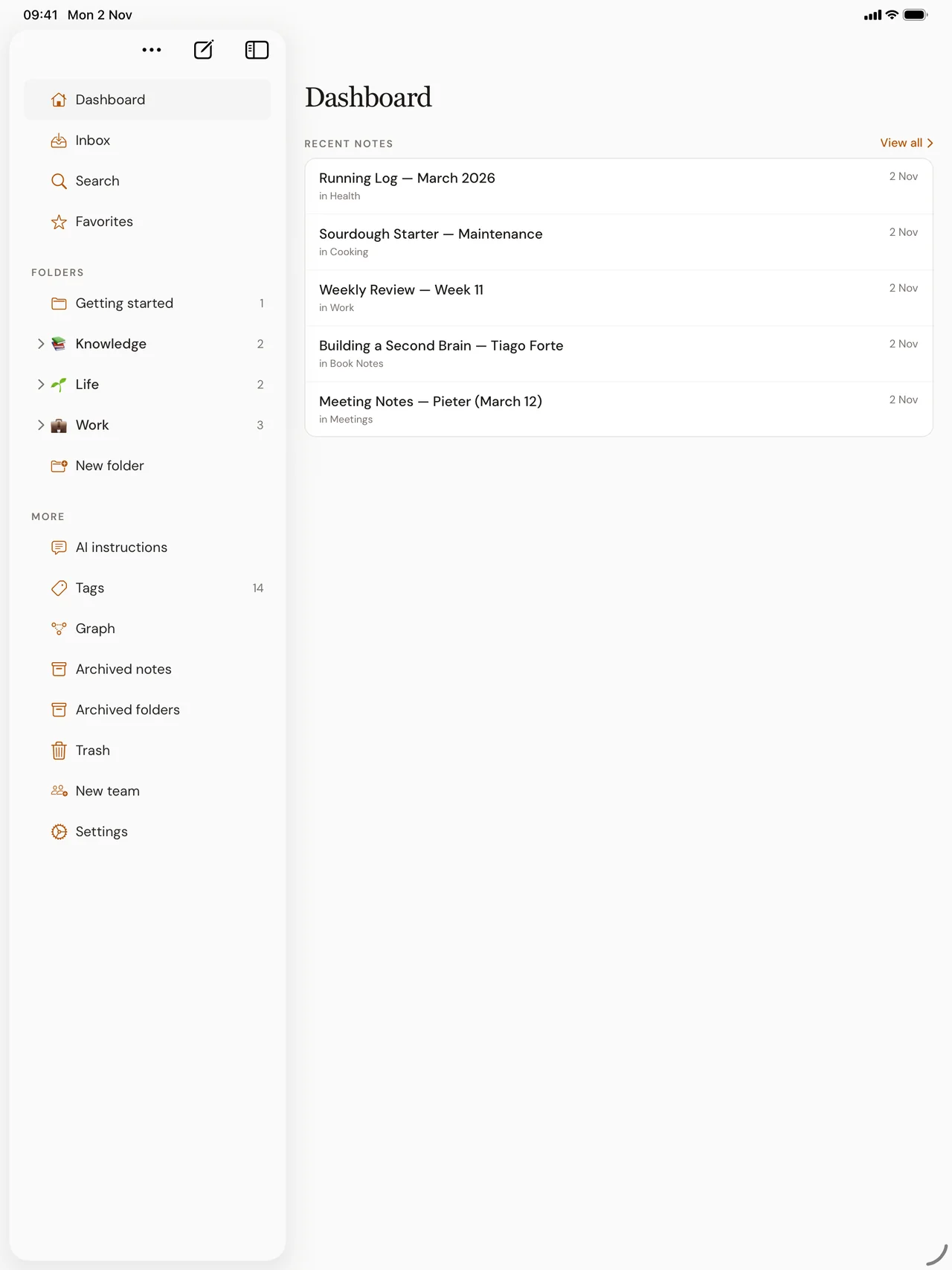
On Android tablets and foldables the app uses the phone layout, stretched to the screen.
Pro in the app
You can buy Pro inside the app, monthly or yearly, paid through the App Store or Google Play like any other subscription. It unlocks the same Pro as on the web, everywhere you use Hjarni. Team plans are bought on hjarni.com.
See where your plan is managed in Settings › Billing: Manage in the App Store, Manage on Google Play, or Managed on hjarni.com for a plan bought on the web. Cancel it where you bought it.
Compared with the web
Only in the apps
- The share sheet and the New note widgets.
- Swipe actions and press-and-hold menus.
- Paying through the App Store or Google Play.
Good to know
- The apps need a connection. On iPhone and iPad, lists you already opened still show, marked "You're offline."
- Sharing a folder, its email address and export open the web page from the folder's ⋯ menu.
- The apps have a light theme only.
To sign out, open Settings › General and tap Sign out. Deleting your account is on the same page. It does not cancel an App Store subscription, so cancel that in your Apple Account first.
Common questions
FAQ
Are the apps free?
Yes. The apps are free to download and work with the Free plan. Pro can be bought in the app through the App Store or Google Play, or on hjarni.com.
Do the apps work offline?
No, they need a connection. On iPhone and iPad, lists you already opened stay visible while you are offline, marked as such, but notes cannot be opened or saved until you are back online.
Is it the same account as on the web?
Yes. Sign in the way you do on hjarni.com and you see the same notes, folders and teams. Notes your AI writes appear in the app the next time you open it.
Is there an app for Android tablets?
The Android app runs on tablets and foldables with the phone layout. On iPad, the app has a sidebar and opens notes beside their list.
How do I sign out?
Open Settings, then General, and tap Sign out. Deleting your account is on the same page.
Related docs
Questions about the apps?
Email evert@hjarni.com
Give your AI a memory. Free.
Connect Claude or ChatGPT to notes they can actually read and write.
Give your AI a memory. Free.