Wiki-links between notes
Wiki-links connect notes so your AI can follow the relationships, not just search folders.
What wiki-links are
A wiki-link connects two notes. Link note A to note B and both notes know about each other. It's bidirectional by default.
In Markdown, the most reliable form is [[42:Note Title]]. Hjarni also supports the older [[Note Title]] form as a fallback. Your AI can create links through MCP either way.
How they work in Hjarni
Bidirectional by default
When you link note A to note B, note B automatically links back to note A. You don't need to add the link in both places.
Visible on each note
Every note shows its linked notes, so you can always see what's connected.
Searchable by AI
When your AI reads a note, it sees all linked notes. It can follow links to gather context from related notes before answering.
Works across containers
Wiki-links work between any notes, regardless of which container they're in.
Resolve in publicly shared folders
If you share a folder publicly, ID-form wiki-links ([[42:Note Title]], the form Hjarni's AI tools write) between notes inside that folder render as clickable public URLs. Links pointing outside the shared folder render as plain text instead of broken links. Plain-title [[Note Title]] links are left as written.
Why links matter for AI workflows
Folders create silos. A meeting note sits in one folder, but it relates to a person, a decision, and a research topic that live elsewhere.
Links let your AI follow those connections. Ask about a project and your AI can trace links to related meetings, decisions, and research. Context a folder search would miss.
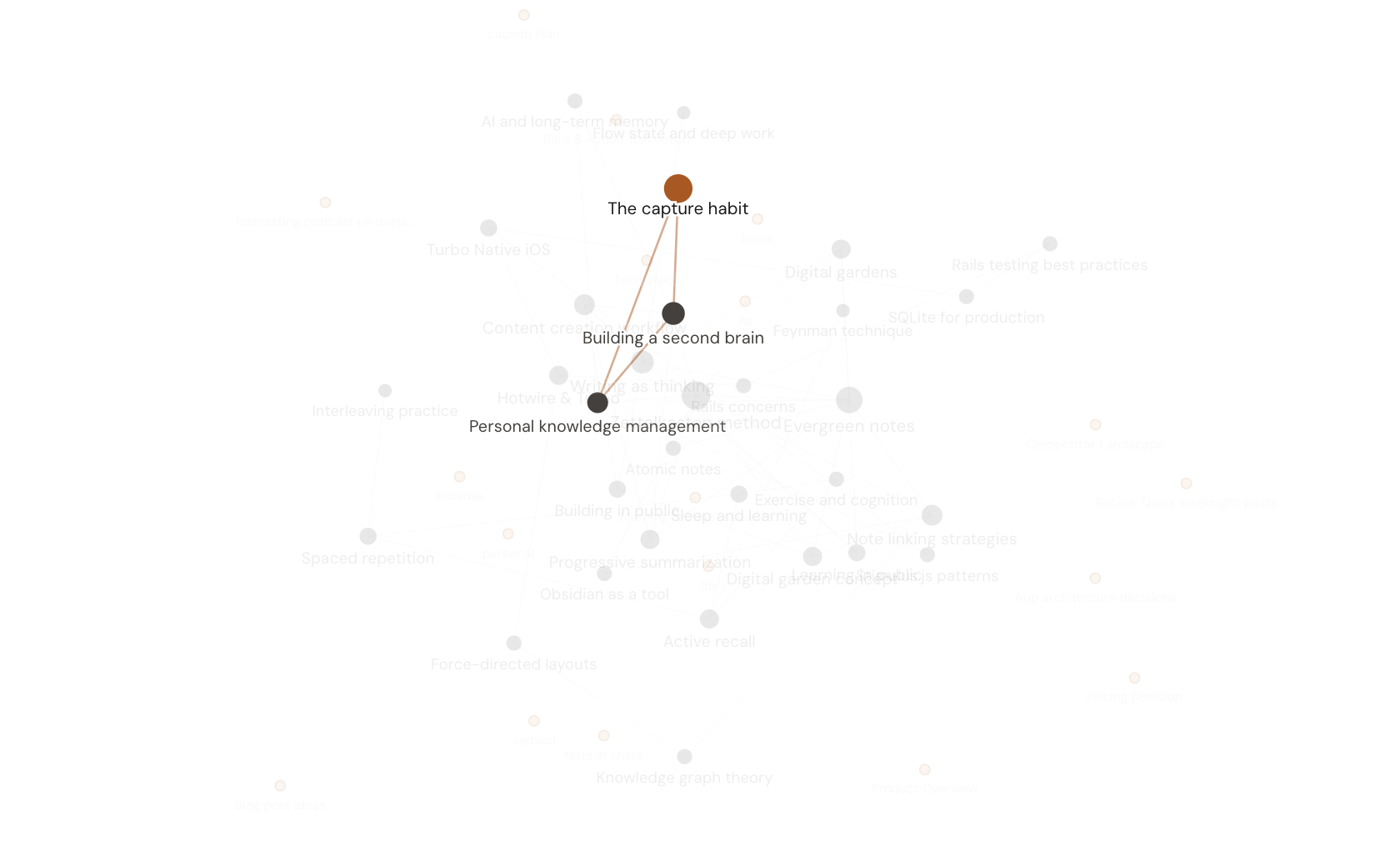
You can see all your connections at a glance in the Graph view. Every note is a dot. Every link is a line. Hub topics stand out. Orphan notes show in amber so you know what to connect next. Read more about the knowledge graph and how your AI reads it.
Examples
Meeting note linking to project note
A meeting note about sprint planning links to the project note. Your AI can pull project context when summarizing the meeting.
Research note linking to source summary
A research finding links to the original source summary. Your AI can trace claims back to their sources.
Person note linking to related work
A note about a colleague links to projects they're involved in. Your AI can quickly find everything related to that person.
Best practices
Link liberally
If two notes are related, link them. It costs nothing and pays off every time your AI needs context.
Let AI create links
Your AI assistant can create wiki-links when it creates or updates notes. It often spots connections you'd miss linking by hand.
Use links for relationships, tags for categories
A link means "this note is related to that note." A tag means "this note belongs to this category." They serve different purposes.
Common questions
FAQ
Are backlinks automatic?
Yes. When you link note A to note B, note B automatically shows note A as a linked note. You don't need to add links in both directions.
Can AI create wiki-links?
Yes. Your AI assistant can link and unlink notes using the links-manage tool. It can also include [[wiki-links]] in note bodies when creating or updating notes.
What happens if I rename a note?
Links in Hjarni are stored as relationships between notes, not just as text references. Renaming a note does not break its links. This is one reason the ID-based form is the best default.
Related docs
Questions about linking?
Email evert@hjarni.com
Give your AI a memory. Free.
Connect Claude or ChatGPT to notes they can actually read and write.
Give your AI a memory. Free.